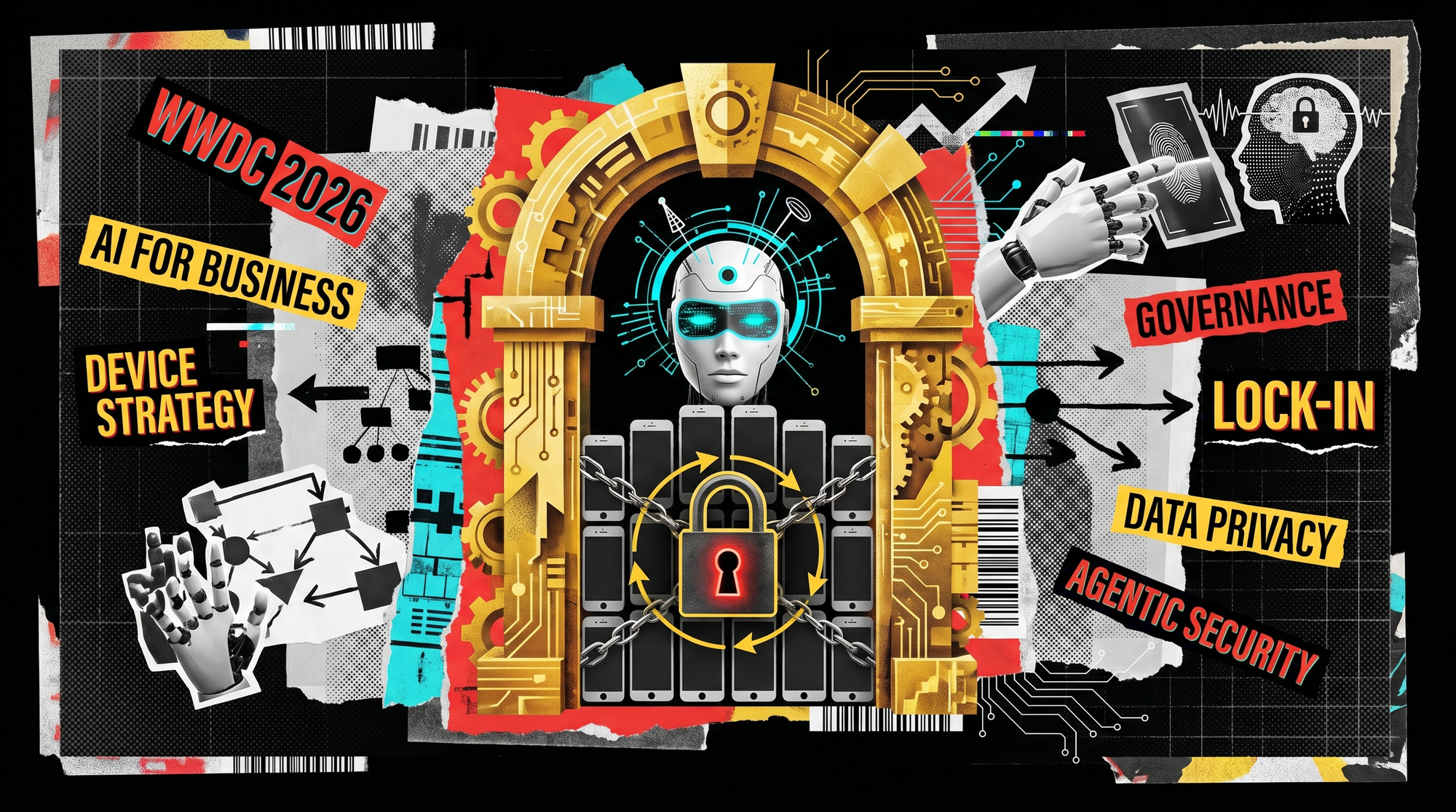
The headlines are Siri and parental controls, but if your team uses iPhones and Macs for work, WWDC 2026 raises real questions about device strategy, an agentic password-changing feature, and ecosystem lock-in. Here's the business lens.
Most of the WWDC coverage this week is about Siri's new voice and parental controls. Fair enough, that makes a good headline. But if your team runs iPhones and Macs for work, the announcements that actually matter are quieter: how Apple is handling AI on your devices, which hardware gets it, and a new security feature that could either tidy up your passwords or lock you in a little further.
At its WWDC 2026 keynote on 8 June, Apple introduced a more capable Siri built on the next generation of Apple Intelligence, alongside iOS 27 and macOS 27. Here's what it means through a business lens, and the decisions worth making before your team starts asking about it.
The short version for business owners
Apple played it safe, and for once that is a good thing. Rather than piling on flashy features, this release leans on stability and a more useful assistant that keeps your data on the device. Three things deserve your attention:
- A privacy-first AI assistant that reads your messages, calendar, and photos to answer questions and take actions, while processing the personal material on the device rather than in the cloud.
- A hardware catch: the most capable on-device AI only runs on the newest, priciest iPhones.
- An agentic security feature that can change your weak passwords for you, genuinely useful, with a governance footnote.
What is the new Apple Intelligence?
The new Siri is a conversational assistant that pulls from what is already on your iPhone, messages, calendar, photos, and what is on screen, and can take basic actions like sending a message or adding a reminder. The business pitch is privacy: unlike a general chatbot, Siri works with personal context that, in Apple's words, never leaves your device.
That matters more than it sounds. A lot of the hesitation around AI at work comes down to one question, where does our data go? An assistant that keeps personal and company information on the handset, rather than sending it to a third-party model, is an easier conversation with your compliance obligations than pasting client details into a public chatbot. It does not remove the need for a policy. It starts from a better place.
There is a sensible restraint here, too. Apple's Siri stops short of the fully autonomous "book the tickets for me" behaviour that rivals have demoed. It will add the event to your calendar and leave the booking to you. For a business, predictable and boring beats clever and unpredictable.
The catch: not every iPhone gets it
Here is the part that touches budgets. The most powerful on-device model requires an iPhone 17 Pro or iPhone Air with at least 12GB of memory, the standard iPhone 17 is left out. Older and mid-range handsets still get a version of the new Siri, just not the full on-device experience.
If your team's phones are a mix of models bought whenever each contract came up, "the AI features" will mean different things on different desks. That is a device-strategy question, not a gadget one. Do you standardise on a model so everyone gets the same capabilities? Do you wait a cycle? The cost is not only the handset, it is the support overhead of a fragmented fleet, where "it works on mine" becomes a recurring help-desk theme.
The security feature worth a closer look
The standout for an IT lens is the Passwords app's new ability to change weak or compromised passwords for you. Instead of only warning you, it can log into the site, find the settings, set a stronger password, and save it, an agentic action carried out on your behalf.
For most people that is a real security win. Weak and reused passwords remain one of the most common ways small businesses get breached, and anything that fixes them at scale is welcome. We would file it alongside the basics we tell every client to get right, see our rundown of the threats facing SMEs.
Two notes of caution. First, an agent that logs into your accounts and changes credentials is exactly the kind of capability you want governed, fine on a personal phone, worth a policy on a work one. Second, the more your credentials live inside Apple's Passwords app, the more you are committed to Apple's ecosystem rather than the business password manager your IT provider supports and can recover. Convenience and lock-in are two sides of the same feature.
Stability over shiny, and why that is the right call
Apple spent a chunk of the keynote on under-the-hood fixes: faster app launches, smoother animations, fewer of the rough edges that crept in with recent visual overhauls. Nobody cheers for "we fixed the bugs," but it is the right priority. It is the principle we work to every day, technology earns its keep by being reliable, not by being new. A phone that just works all day is worth more to your team than one with a feature they will try once.
The "Golden Gate" question: how locked in do you want to be?
Apple named the new macOS "Golden Gate," and the pun writes itself, the walls of the walled garden are gates, and they are getting more golden. The new Siri is at its best when you live entirely in Apple's world: its Mail, Calendar, Safari, and Passwords. It can work with third-party apps, but only when developers have wired them in, and not as your default.
That is the real strategic question for a business, and it has little to do with Siri. If your company runs on Microsoft 365, Outlook, Teams, OneDrive, then a more capable Apple assistant is a nice-to-have on personal time, not the centre of how work gets done. Mixing ecosystems is normal and manageable, but it pays to be deliberate about which one is your backbone, rather than drifting because the phone nudged you there. It is the same governance instinct behind keeping an eye on shadow IT: sanctioned tools, chosen on purpose.
Managing Apple devices the grown-up way
None of this is a reason to avoid Apple devices, plenty of our clients run them happily. It is a reason to manage them properly. Tools like Apple Business Manager and Microsoft Intune let you set device standards, control which features and apps are allowed, enforce security policy, and decide whether something like an auto-password-changing agent is switched on for your fleet at all. That is the difference between everyone doing their own thing and a managed estate you can actually support.
What this means for your business
Three questions are worth a few minutes at your next leadership meeting:
- Device strategy. Do we standardise on handsets that get the full AI experience, or is that not worth the spend this cycle? Either answer is fine; drifting into a fragmented fleet by accident is not.
- Security governance. Which of these new agentic features do we want enabled on work devices, and who decides? Useful is not the same as appropriate by default.
- Platform fit. Does a more capable Apple assistant change anything about our Microsoft-or-Apple backbone? Usually not, but it is a good prompt to check the decision is still deliberate.
This is the kind of thing we help clients think through, alongside the day-to-day managed IT and the AI consulting that turns announcements like these into a plan rather than a distraction.
Your next steps this week
- Note which models your team actually carries, so you know who would get the full features.
- Decide your position on agentic security features, like automatic password changes, on work devices.
- Confirm your business password manager is the system of record, not whatever an app defaults to.
- Check your Apple devices are enrolled in a management tool, not just personal iCloud accounts.
WWDC is good fun, and there is plenty here to like. The job for a business is to enjoy the demos and then make a couple of deliberate decisions, rather than letting the defaults decide for you. If you would like a second opinion on Apple devices, AI, or security in your business, book a discovery call and we will talk it through.